See the whole structure
Open your build in the 3D viewer. Inspect its shape, measure distances, and review the blocks you need.
Meet Citadel Desk: your desktop workspace for turning schematics into Hytale builds. Explore your structure in 3D, follow each layer, and keep track of every block you place.
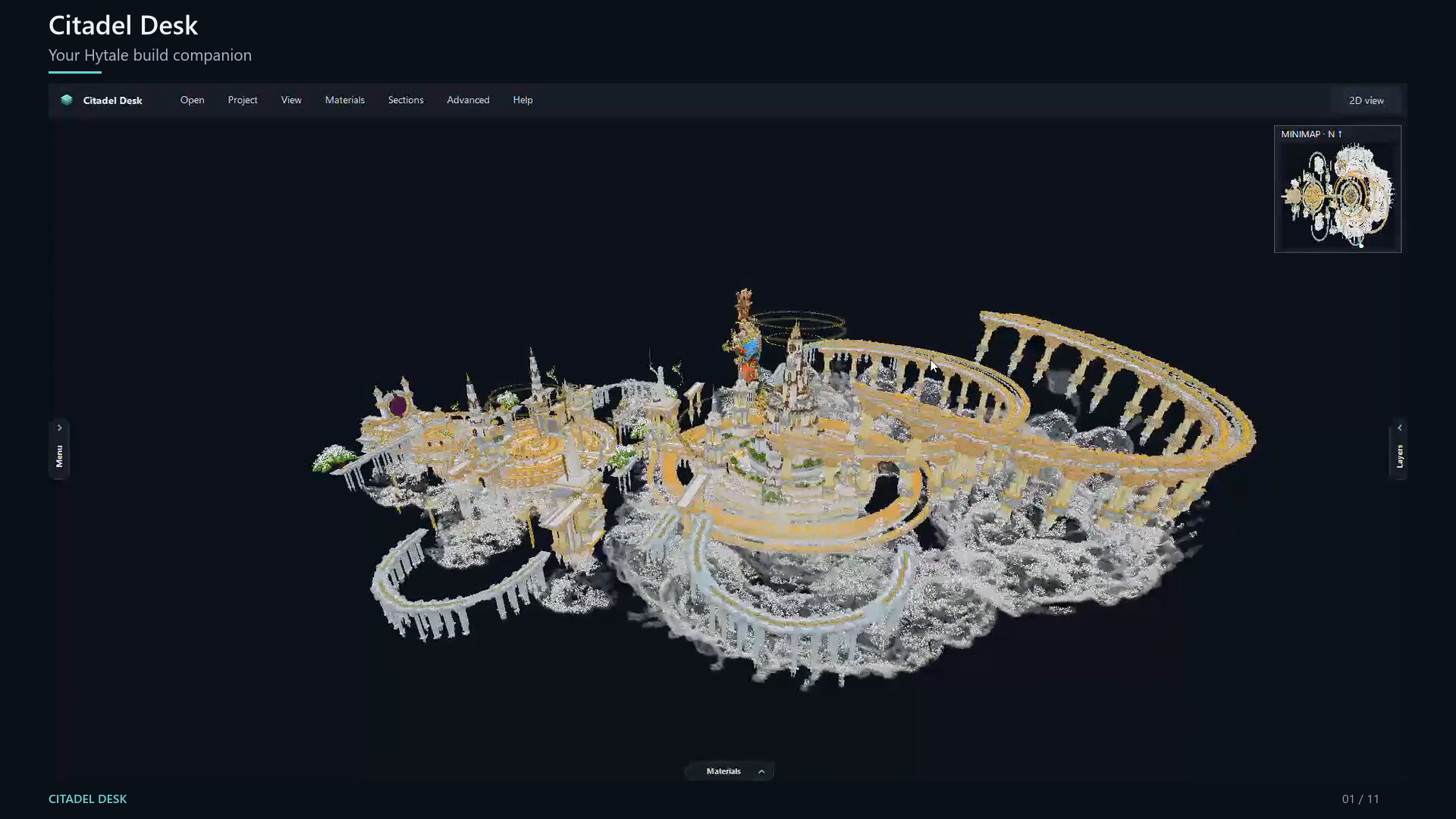
Keep your model, layer plan, and building progress together while you bring your structure into the game.
Open your build in the 3D viewer. Inspect its shape, measure distances, and review the blocks you need.
Break a large build into manageable layers. Follow the plan one level at a time instead of keeping the entire structure in your head.
Mark your building progress as you go. Keep track of the blocks you place and return to your plan for the next session.
Imports and viewing work offline. No subscription or separate Python installation is needed.
Read the download & setup guideInstall the Windows app, or extract the portable ZIP into a writable folder.
Choose Open or drag a supported build file into the app.
Inspect the 3D view, select a layer, and record your progress as you build.
Schematics, Litematica files, structures, Axiom blueprints, and world archives.
.schem · .schematic · .litematic · .nbt · .bp · .zipImport supported structures and world archives.
.mcstructure · .mcworldOpen supported prefabs and world files, and record Hytale block replacements.
.prefab.json · .hytale.world.zipImports focus on placed blocks. Entities, inventories, scripts, and game behavior are not recreated. See the included README for supported versions and limits.
Download the free Windows app and start with your own schematic.
Released September 21, 2026. The installer is unsigned; Windows may show an unknown publisher notice.
Need a recipe, material, or item ID while you build? The companion wiki is still here.